














To make things easier and face challenges directly, I began creating useful tools for quick decision-making. With AI support, these tools became more flexible and action-driven. Initially designed for my own projects, they soon attracted interest from other designers and product teams. Now, I'm excited to share them with everyone worldwide!
 Frameworks
 Prototypes
 AI tooling
 Product strategy
Prototype · Claude Code + Figma Make
Coded prototype for interactions static screens couldn't show
Insta Loan
A loan booking flow where user can select any amount they want and based on that we show loan plans.
Challenge
With the static screen, we were not able to showcase the idea of amount selector scroll bar effectively, Stakeholders were thinking that it will be too complex for the end user.
Impact
Building this prototype helps us show how smooth interaction felt overall. We were also able to answer and help Devs understand how this can be integrated with loan APi. Well
Jumbo Loan
A loan booking flow where user can select pre-defined amount and based on that we show loan plans.
Challenge
With the static screen, we were not able to showcase the idea of amount selector scroll bar effectively, Stakeholders were thinking that it will be too complex for the end user.
Impact
Building this prototype helps us show how smooth interaction felt overall. We were also able to answer and help Devs understand how this can be integrated with loan APi. Well
Prototype · Claude Code + Figma Make
Agentic loop to convert figma animation to lottie
I built an end to end framework to convert Figma motion to Lottie. This allows users to paste Figma link, connect figma MCP and convert their animations made using figma motion or figma prototypes to parameterised lottie. A bunch of skills work together to make this work.
Prototype · Claude Code + Figma Make
Taking repetitive prototyping work off design
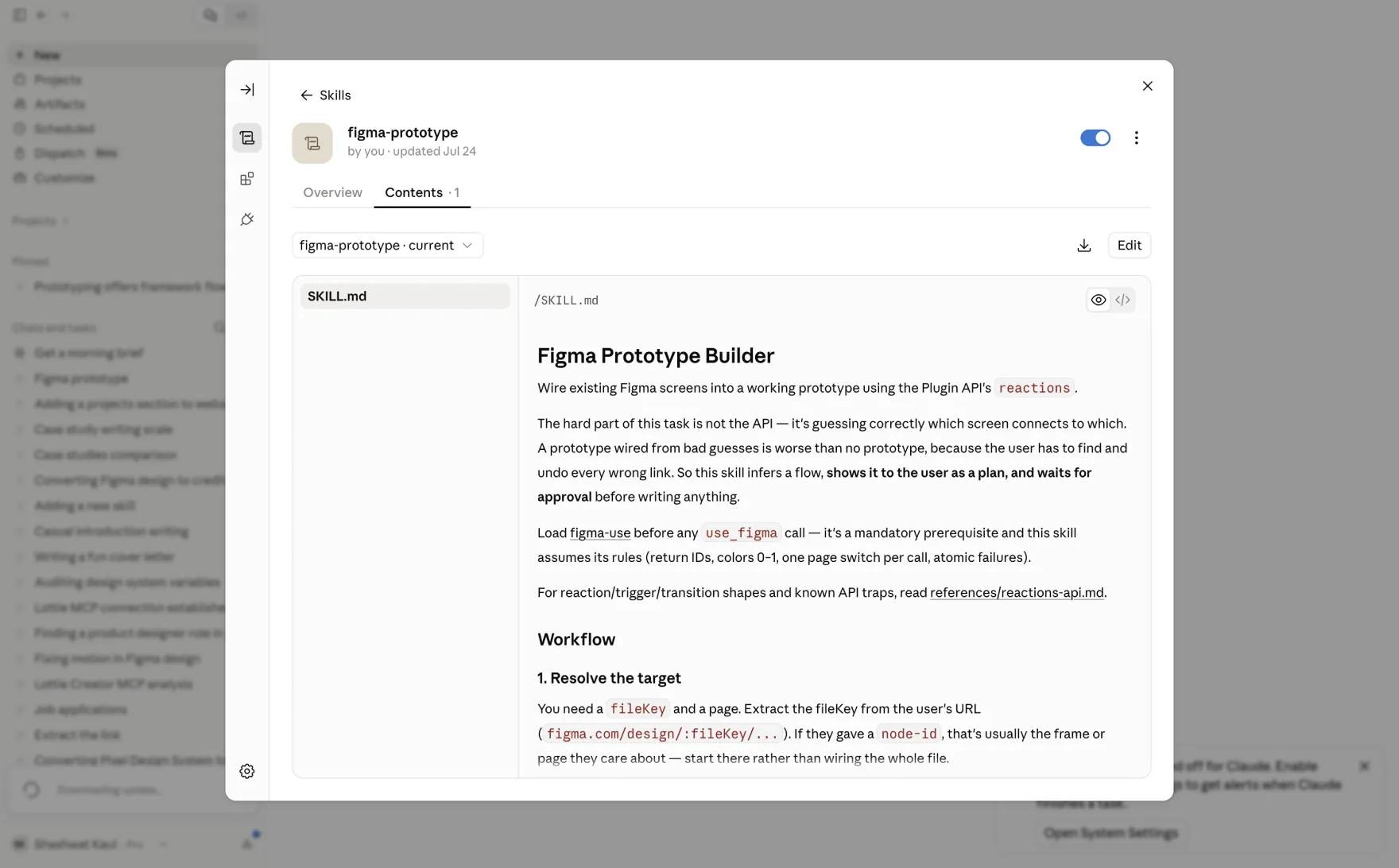
Sales pitches kept needing clickable prototypes, so designers spent their time wiring together finished screens. Anyone on the product team could have done that wiring.
I built a Claude Code skill that reads existing frames through Figma MCP and links them into a clickable prototype. My team still uses it, and product teams now build their own pitch prototypes without filing a request with design.
Design systems · Framework + AI
Bringing consistency to how components are built (Framework + AI)
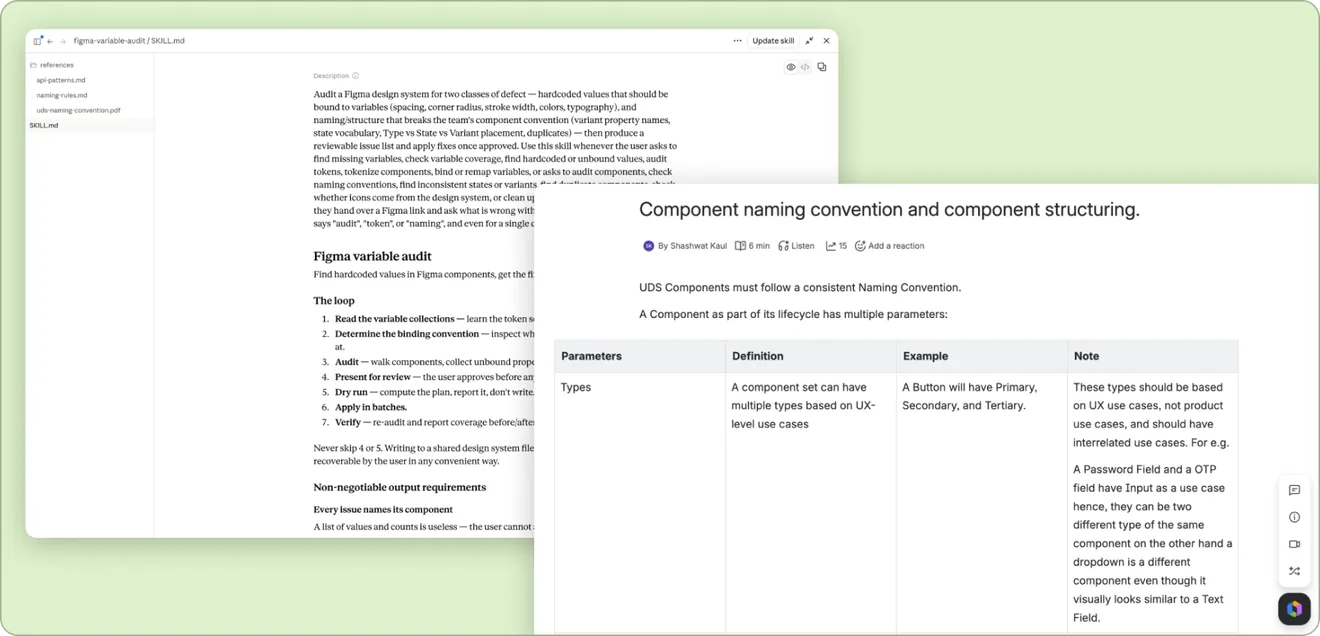
As more designers contributed components, each of them named things and set up variants their own way. The team needed a standard that held across designers and files.
I led the work to define that framework for naming and structuring components, documented it, and shipped a starter file designers could build from. Later I turned the same framework into an AI skill that audits a design system against those rules and pushes fixes back into Figma through MCP.
2022 · Annotation system
Making design intent easier to hand off (no AI on this one, Webflow and my own two hands :P)
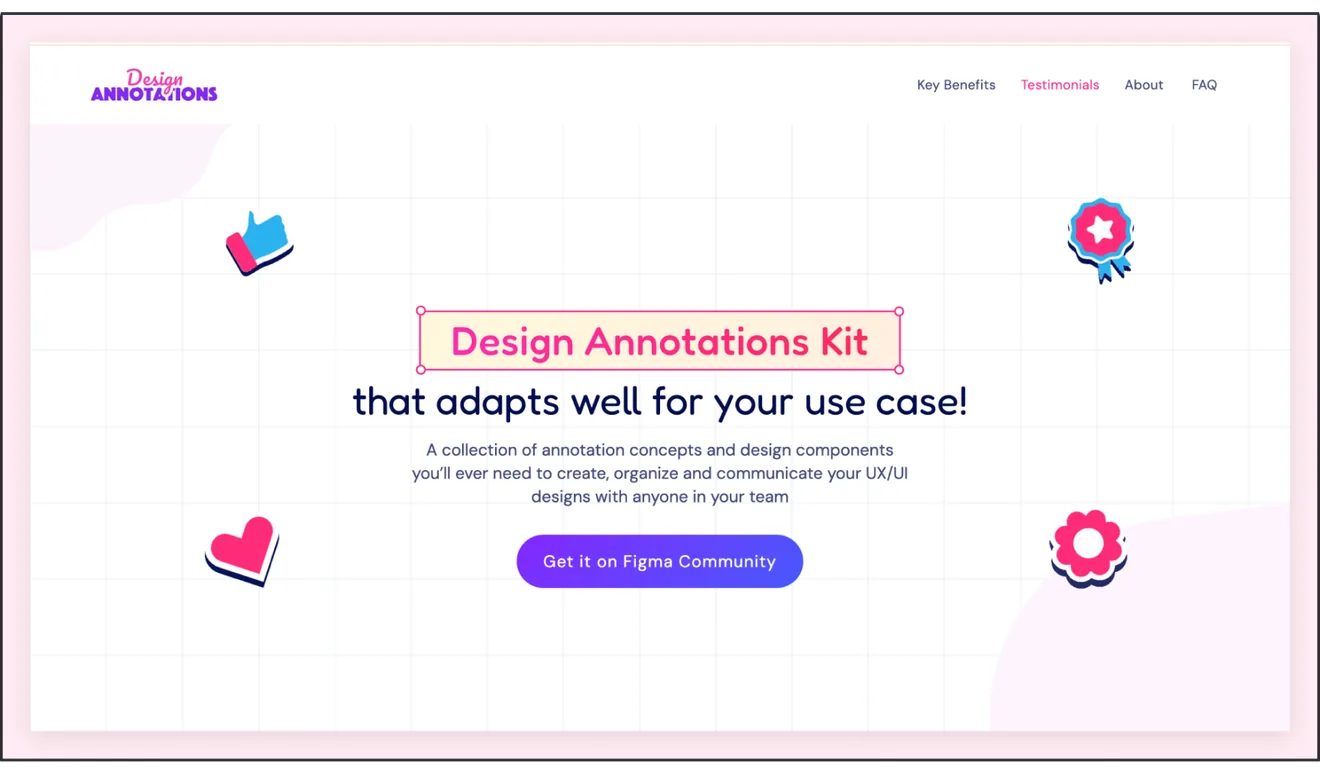
I built an annotation library for Figma screens and a Webflow site that explains each annotation and when to use it. Designers marked up intent on the file itself, so engineers could read it there instead of booking a call.


